Best Canva Alternatives for Graphic Design, Brand Content and Creative Teams
Six Canva alternatives compared on brand control, team pricing and limits, with a five-asset trial to run before you switch.
Canva earned its popularity by putting design within reach of people who never trained as designers. For a small team, that is often all the tool needs to do.
Then your team grows. The logo starts appearing at three sizes, a caption uses a font nobody approved, posts begin to look like everyone else’s, and the invoice climbs with every new seat. Swapping in any of the Canva alternatives rarely repairs both the control problem and the cost problem, because tools that hold a brand together usually bill per seat, while cheaper plans usually cap the seats or the kits.
Where each of the six tools below draws that line is rarely spelled out, and it decides whether a switch fixes anything. This guide compares them on brand control and team cost, then ends with a five-asset trial you can run on your own files before anyone signs a contract.
Why Teams Look for Canva Alternatives
A brand rarely breaks in one dramatic edit. Pull ten recent assets from different channels, months and authors, and sort each into one of four piles.
Brand drift: Logo, font or colour variants that nobody chose on purpose. Drift across several authors and months points to the tool, while one author’s slips point to training. A written brand identity closes the gap either way.
Layout limits: Pieces a designer rebuilt by hand because the template would not bend. The gap is design depth, and more discipline will not close it.
Seat sprawl: A bill that grew faster than the output. Compare the people holding a paid seat with the people who edit more than a few times a month.
Sameness: Assets you could swap with a competitor’s without anyone noticing. Template-first tools make this likely when several brands start from the same layouts.
The largest pile names the failure to fix, and two equal piles mean two problems, which is why one switch rarely solves both. Write the result as one sentence, such as "our logo appears in four versions across ten posts", and use it to read the ranking that follows.
How I Ranked These Canva Alternatives
I ranked the six by one question. Which tool keeps a brand intact when people who do not design use it every day? Four factors answer it, in this priority.
Brand enforcement: Whether the tool can stop an off-brand edit through locked elements, permission roles or shared libraries. A stored logo prevents nothing on its own, so enforcement leads.
Team billing: The billing unit, seat minimums, member caps and the price after the first year.
Free route: How much of the brand tooling a team can test without paying.
Reviewer consensus: When the first three tie, the tool the wider reviews recommend more often ranks higher.
The order matches roundups from Zapier, Moda and AlternativeTo, which rank by use case where I rank by brand control, and each entry notes where they agree. Prices are list prices before tax, with the billing basis stated for each plan.
Best Canva Alternatives for Brand and Creative Teams
The entries run in ranked order, and each one ends with a video worth watching before you sign up.
1. Adobe Express
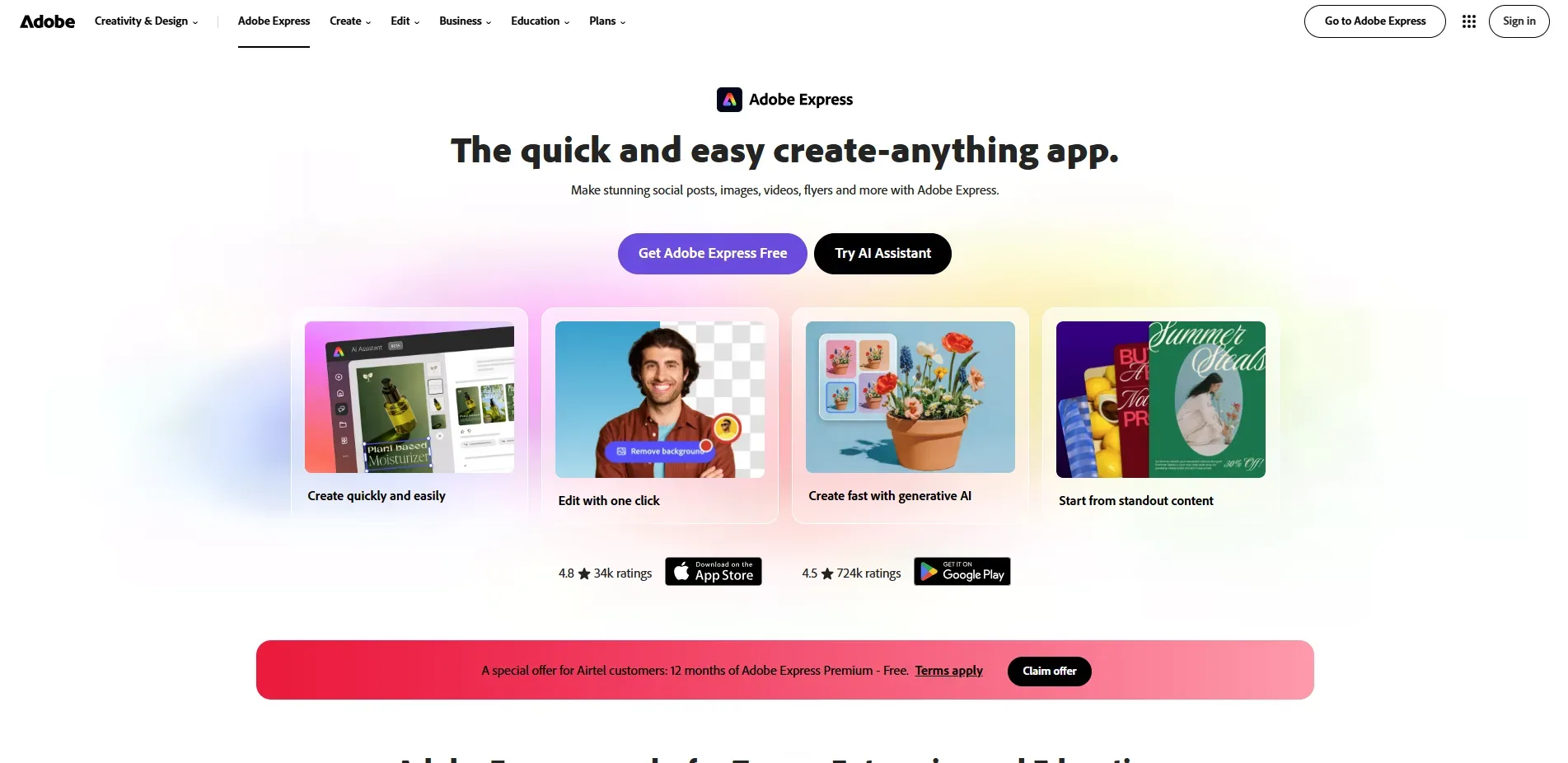
Adobe Express is Adobe’s browser and mobile app for designing social posts, documents and short videos from templates. Its Teams plan adds template locking, brand controls and an admin console for managing licences. Zapier names it the best Canva alternative overall, and Moda recommends it for teams already working in Adobe’s tools.
What you get
Brand kits: Fonts, colours, logos and images live in one kit, and one account can hold several brands.
Template locking: Locked elements stay as built when colleagues customise a shared template.
Brand controls: A shared template can limit which brand colours and fonts are allowed.
Content library: Static, motion and video templates plus 200M+ royalty-free Adobe Stock assets.
What you don’t
Brand controls start at Teams: Template restrictions come with Teams and Enterprise plans, so a single Premium seat lacks them.
Seat rules: Teams needs at least two seats, and the first-year rate is a discount that ends.
Pricing
Free: US$0
Premium: US$9.99 per month
Teams: US$4.99 per person per month in year one, then US$7.99, on an annual subscription billed monthly
Enterprise: Custom, through Adobe sales
Best for: Marketing teams that need non-designers to stay inside locked brand templates.
Watch: Adobe’s walkthrough of brand-approved templates with template locking
2. Visme
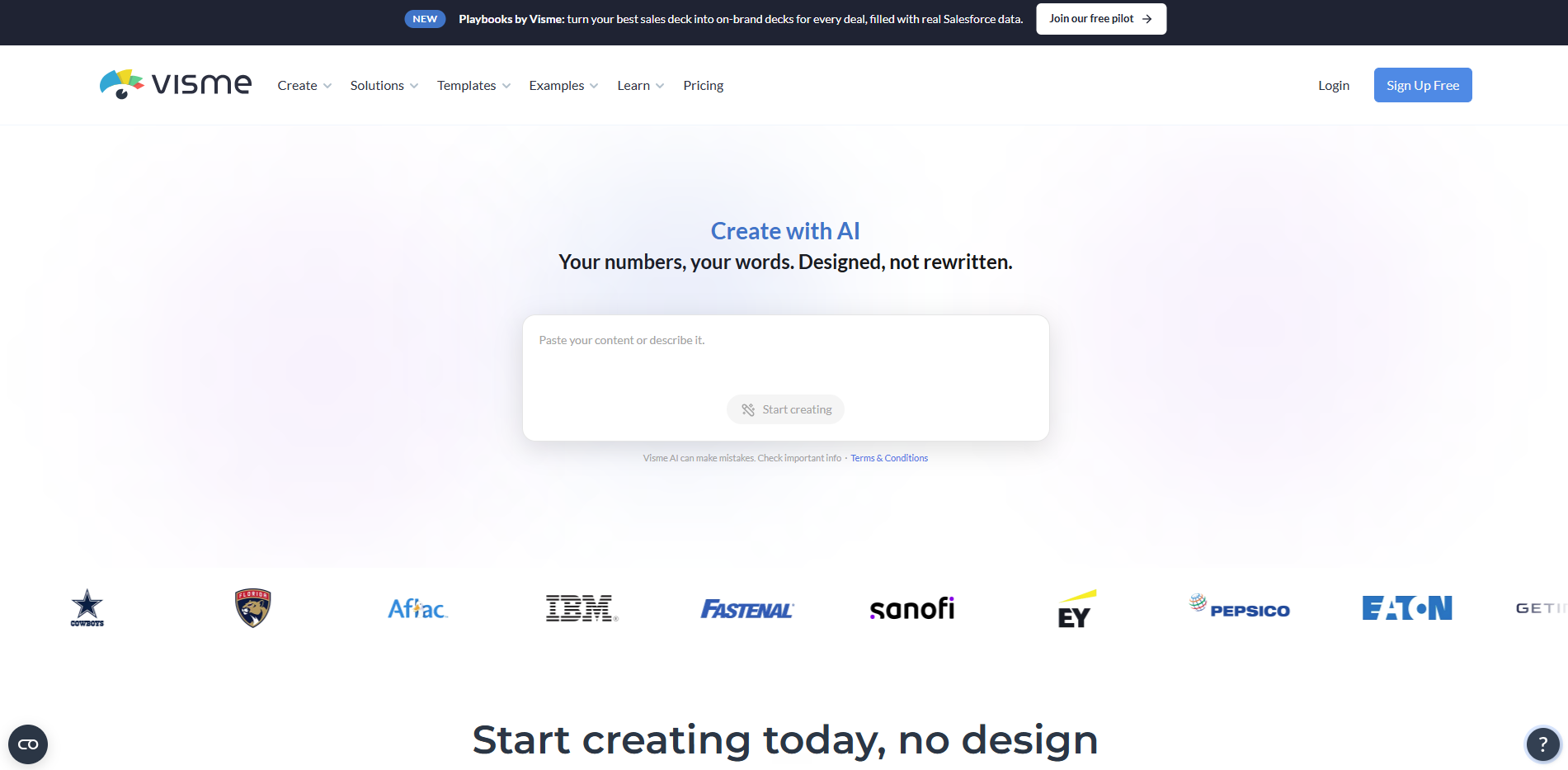
Visme is a browser-based content platform for presentations, reports, infographics and social graphics, with charts and data widgets built in. Its Brand Kit stores logos, colours, fonts and guidelines for a whole workspace. Moda recommends it for data visualization and infographics.
What you get
Brand Wizard: Imports brand assets from a website URL and drafts branded templates.
Role control: Only administrators and users with the Designer or Marketing Manager role can edit the Brand Kit, while members use its assets.
Approval workflow: A project can require an assigned approver’s sign-off before it moves on.
Re-apply to update: Changing colours in the kit and re-applying it refreshes branded templates.
What you don’t
Brand Kit starts at Pro: Starter does not include it.
Advanced locks sit at Enterprise: Text box locks and custom roles belong to Enterprise plans, which start at 10 users.
Pricing
Basic: Free
Starter: US$12.25 per person per month, billed US$147 yearly
Pro: US$24.75 per person per month, billed US$297 yearly
Enterprise: Custom
Best for: Teams building reports, decks and infographics that need approvals and controlled brand assets.
Watch: Visme’s YouTube tutorials, including its Brand Wizard walkthrough
3. VistaCreate
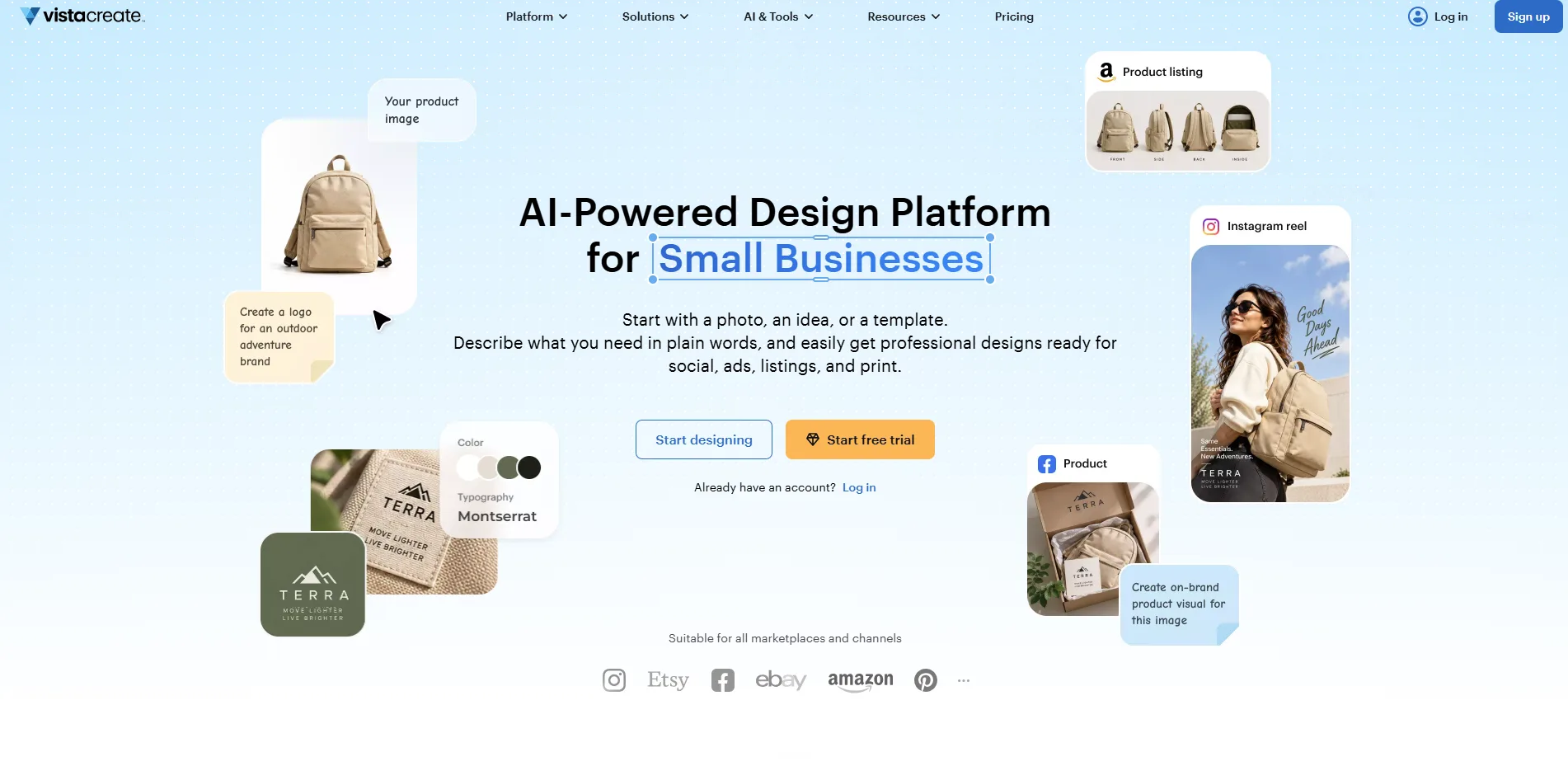
VistaCreate is a template-based design tool for social posts, ads, print and video, with a built-in library of stock photos, videos and vectors. A free Starter plan includes one Brand Kit, and Pro adds a team account for up to 10 members. Moda calls it the best budget-friendly alternative, and Zapier picks it for print designs.
What you get
Free Brand Kit: Colours, fonts and a logo stored once and applied to any template.
Multiple kits on Pro: Separate Brand Kits for separate brands or clients.
One-click resize on Pro: A design converts into several formats at once.
Team account on Pro: Up to 10 members work in one shared account.
What you don’t
Starter limits: The free plan covers one seat and one Brand Kit.
Billing premium: Monthly billing costs 30 percent more than yearly billing.
Pricing
Starter: US$0 for one seat
Pro: US$10 per month billed yearly, US$13 billed monthly, for up to 10 seats
Best for: Small social-first teams that need separate brand kits on a modest budget.
Watch: VistaCreate’s official YouTube channel
4. Figma
Figma is a browser-based design platform for interfaces, graphics, whiteboards and slides, built around files that teams edit together. Seats come in Full, Dev, Collab and View types, and one Full seat covers Figma Design, FigJam, Figma Slides and Dev Mode. Moda recommends it when you need professional UI precision.
What you get
Shared libraries: Styles, variables and components published once and reused across files.
Variable modes: One set of components can switch between themes or brands.
Locked brand templates: Figma Buzz lets designers publish templates with locked layers, so marketers edit only approved fields.
Developer handoff: Dev Mode translates designs into code.
What you don’t
Full seat for every editor: Anyone who edits a design file needs a paid Full seat.
Template limits: Figma Buzz is still in beta, and Professional teams can publish five team templates.
Pricing
Starter: Free
Professional: US$16 per Full seat per month billed annually, US$20 billed monthly
Organization: US$55 per Full seat per month, billed annually
Enterprise: US$90 per Full seat per month, billed annually
Best for: Teams with a designer who can publish locked templates and own a component library.
Watch: Figma’s conversation on why design systems matter and when a team needs one
5. Kittl
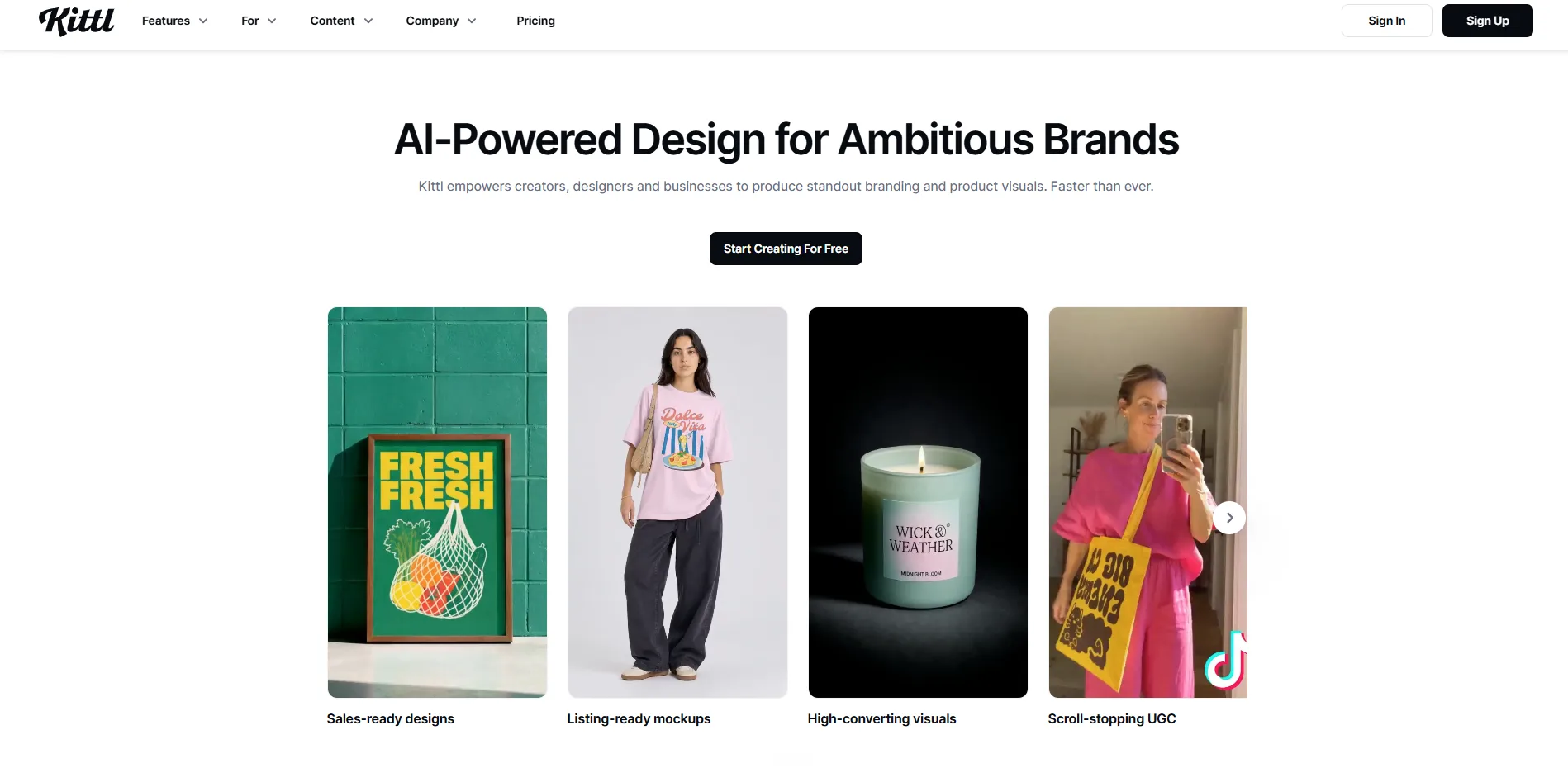
Kittl is a browser-based AI design platform built around typography, vector editing and mockups for product brands, sellers and agencies. Its Brand Studio builds a brand once and generates on-brand ads, posts and campaigns from it. Independent reviews place it with print-on-demand and merch designers who need typography and vectors.
What you get
Type controls: Advanced text controls, editable text effects and 135 premium Monotype fonts.
Vector workflow: SVG export, a vectorizer and AI vector generation.
Brand kits and workspaces: Saved fonts, colours and a logo feed new templates, and team workspaces keep editing shared.
Free viewers: Teammates who only review designs never count as paid editors.
What you don’t
Free plan is personal use only: Commercial rights need a paid plan.
Licence cap: Pro and Expert allow up to 500,000 copies, and an enhanced licence sits on Business plans.
Pricing
Free: US$0
Pro: US$12 per editor per month, billed annually
Expert: US$26 per editor per month, billed annually
Max: US$48 per editor per month, billed annually
Best for: Product brands and agencies making packaging, labels and merchandise graphics around lettering.
Watch: Kittl’s official YouTube tutorials
6. Penpot
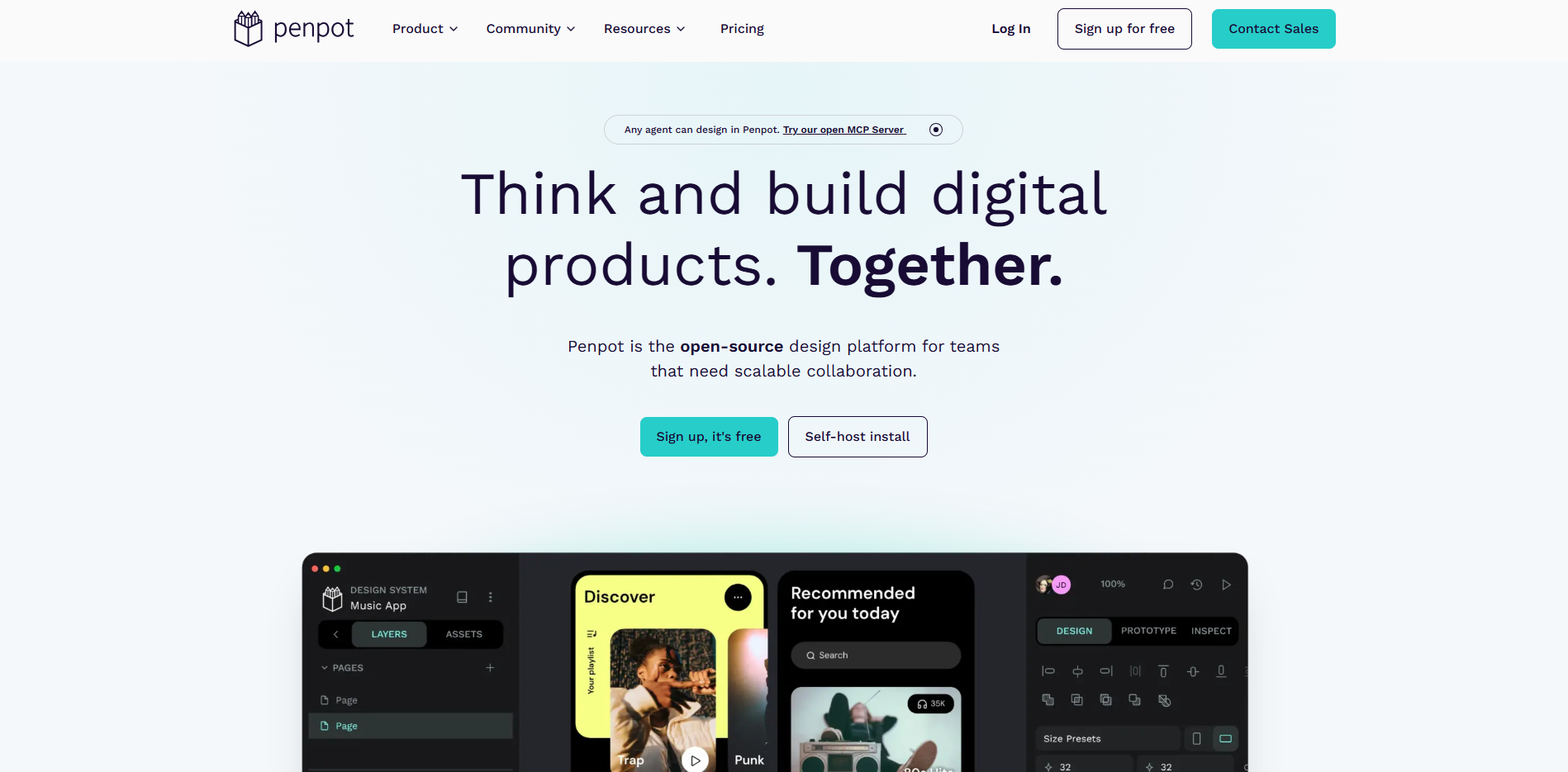
Penpot is an open-source design and prototyping platform that runs in the browser or on a self-hosted server. It builds on open standards such as SVG, CSS, HTML and JSON and is released under the MPL 2.0 licence. AlternativeTo lists it among the open-source options for teams that want control over where designs live.
What you get
Tokens and components: Native design tokens, components and variants for reusable design values.
Flex and Grid layouts: Layouts built on CSS Flex and Grid.
Collaboration: Real-time editing, commenting and version history.
Developer hooks: Plugins, webhooks and an API reached through access tokens.
What you don’t
Member cap: The Professional plan allows up to eight team members, with unlimited viewers.
Setup skills: Self-hosting needs a Linux server and Docker knowledge.
Pricing
Professional: US$0 per user per month
Unlimited: US$7 per editor per month, capped at US$175 a month
Enterprise: US$25 per member per month
Private Server: US$50k per year
Best for: Product teams with developers who want brand values shared with code.
Watch: Penpot’s hands-on demo on building a complete UI with design tokens
Canva Alternatives Comparison Table
The table puts all six tools on the same seven factors, so you can rule out any that cannot do the job before you test.
Tool | Built for | Brand control | Team model | Free plan | Entry paid plan | Output and AI | Runs on |
|---|---|---|---|---|---|---|---|
Adobe Express | Social posts, documents, short video | Kits, locked elements, colour and font limits | Per person, two-seat minimum on Teams | Free plan | Premium at US$9.99 a month, Teams at US$4.99 per person in year one | Static, motion and video templates, Adobe Stock, Firefly credits | Browser and mobile |
Visme | Reports, decks, infographics | Brand Kit on Pro and above, roles, approvals | Per person, Enterprise from 10 users | Basic plan with download limits | Starter at US$12.25 a month, billed yearly | Charts and data widgets, AI image and text, PPTX and HTML5 downloads | Browser and desktop apps |
VistaCreate | Social, print and video from templates | One kit on Starter, several on Pro | Pro account for up to 10 seats | Starter plan, one seat | Pro at US$10 a month, billed yearly | One-click resize, background remover, AI image and text on Pro, scheduled posting | Browser and mobile apps |
Figma | Interfaces, graphics, slides, whiteboards | Shared libraries, variables and modes, locked Buzz templates | Per seat by type (Full, Dev, Collab, View) | Starter plan | Professional at US$16 per Full seat, billed annually | Dev Mode handoff, Figma Make for prompt-to-code | Browser |
Kittl | Product graphics, lettering, packaging, merch | Brand kits, Brand Studio, workspaces | Per editor, viewers free | Free plan, personal use only | Pro at US$12 per editor, billed annually | SVG export, vectorizer, AI image, vector and video | Browser |
Penpot | Interface design and prototyping | Tokens, components, libraries | Eight members on Professional, per editor on Unlimited | Professional plan | Unlimited at US$7 per editor, capped at US$175 a month | SVG, CSS, HTML and JSON, API, plugins, MCP server | Browser or self-hosted |
Cross out any tool whose brand control or team model cannot fit your team, and keep the rest for a trial on real files.
How to Test and Choose a Canva Alternative
Run the same short trial on each shortlisted tool, then let the results and two facts about your team make the call.
Pick five assets your team makes every month, such as a social post, a slide, a one-page report, an email banner and a flyer.
Load the brand fonts, palette and logos first, and time it.
Give a colleague who does not design the brief below.
Ask that colleague to break the brand by swapping the logo, changing a font and recolouring the headline. Count the edits the tool blocks.
Check that headline, subhead and body still read in order at a glance, using the studio’s principle on making the reading order clear and its type scale tool to compare heading and body sizes.
Check text contrast with the studio’s colour accessibility checker, then again on the rendered asset. A colour pair that passes in a swatch can still fail over a photograph or tint, as the studio’s guidance on making contrast measurable explains.
Export in the publishing format and compare with the Canva version.
Brief for step 3:
Using the brand setup, produce the monthly newsletter banner. Change the headline and the photograph only. Keep every other element as the template provides it.
Record four numbers per tool. They are edits blocked, setup minutes, minutes per asset and designer corrections afterwards. High blocking with slow assets suits client-facing work, and the reverse suits internal content. Then read those numbers against two facts about your team.
Who edits: Count editors before comparing prices, because seat types, member caps and free viewers change the bill. Price the first renewal as well, since the first month is the least informative invoice.
Who maintains: Libraries, tokens and templates need a named owner. A team without one should pick a tool with built-in locks, and a team with a designer can run Figma or Penpot.
The questions below answer what teams ask most before they switch.
Questions
5What is the best Canva alternative?
The best Canva alternative is the tool that fixes your team’s main problem. For most brand teams that means Adobe Express or Visme, because Adobe Express locks template elements and Visme limits who can edit its brand kit. If cost or layout depth is the real issue, a different tool fits better, so test a shortlist on five real assets.
What are some free Canva alternatives?
Penpot Professional is the free plan with every design tool included, for up to eight team members. VistaCreate Starter is free for one seat and includes one Brand Kit. Adobe Express, Visme and Figma also offer free plans, though Adobe Express and Visme reserve brand controls for paid plans. Kittl’s free plan covers personal use only.
What is better than Canva for graphic design?
Kittl, Figma and Penpot give more design control than template-first tools. Kittl adds advanced type controls, editable text effects and vector tools for lettering and packaging. Figma builds layouts from shared components and variables, and Penpot does the same with open standards and CSS-based layouts. All three ask for more design skill than a template tool.
Are Canva and Adobe competitors?
Yes, Adobe Express competes with Canva directly. Adobe designed it for template-based social posts, documents and short videos, and it adds Firefly generative AI credits. Adobe describes Express as a companion to Creative Cloud apps such as Photoshop and Illustrator, so it sits alongside them instead of replacing them.
Is there anything better than Canva?
Yes, for specific jobs, but no single tool is better for every team. Whether a switch pays off depends on what your own recent work shows, so check ten recent assets before you move. If most work is short-lived social posts with little brand drift, tightening template sharing in Canva usually costs less than migrating.
Conclusion
Whichever tool wins the trial, the more lasting change is happening underneath it. Brand rules are moving from files that people consult to data that tools apply, and variables, tokens and brand sets already let design tools carry brand values into code and generate on-brand layouts.
That makes the written rules more valuable than the tool that currently hosts them. A team-owned spec holding hex values, font files, spacing and logo clear space lets any tool read the brand, and it keeps the next switch to a setup task instead of a rebuild. Put the renewal date in the calendar on the day you sign, and repeat the five-asset trial against one new tool at each renewal.
If I were setting this up for a team today, I would pick the tool that enforces the brand now and write the brand down so any tool can read it later. If those rules still live in people’s heads, a short written spec is the place to start. Our brand and identity work covers that spec, and our design systems service turns it into components and tokens.