AI Video Generation: How to Turn Text Into Professional Videos
A practical guide to AI video generation and text-to-video AI, covering how it works, which tool fits your job, and how to export it well.
Making a professional video the traditional way takes real time and real skill. Someone has to write a script, plan or shoot every scene, edit hours of footage down to a finished minute, and get the sound, pacing, and captions right before anything is ready to publish. Bring in a crew, equipment, or an outside agency, and a single explainer film can take weeks and cost more than most teams had budgeted for it.
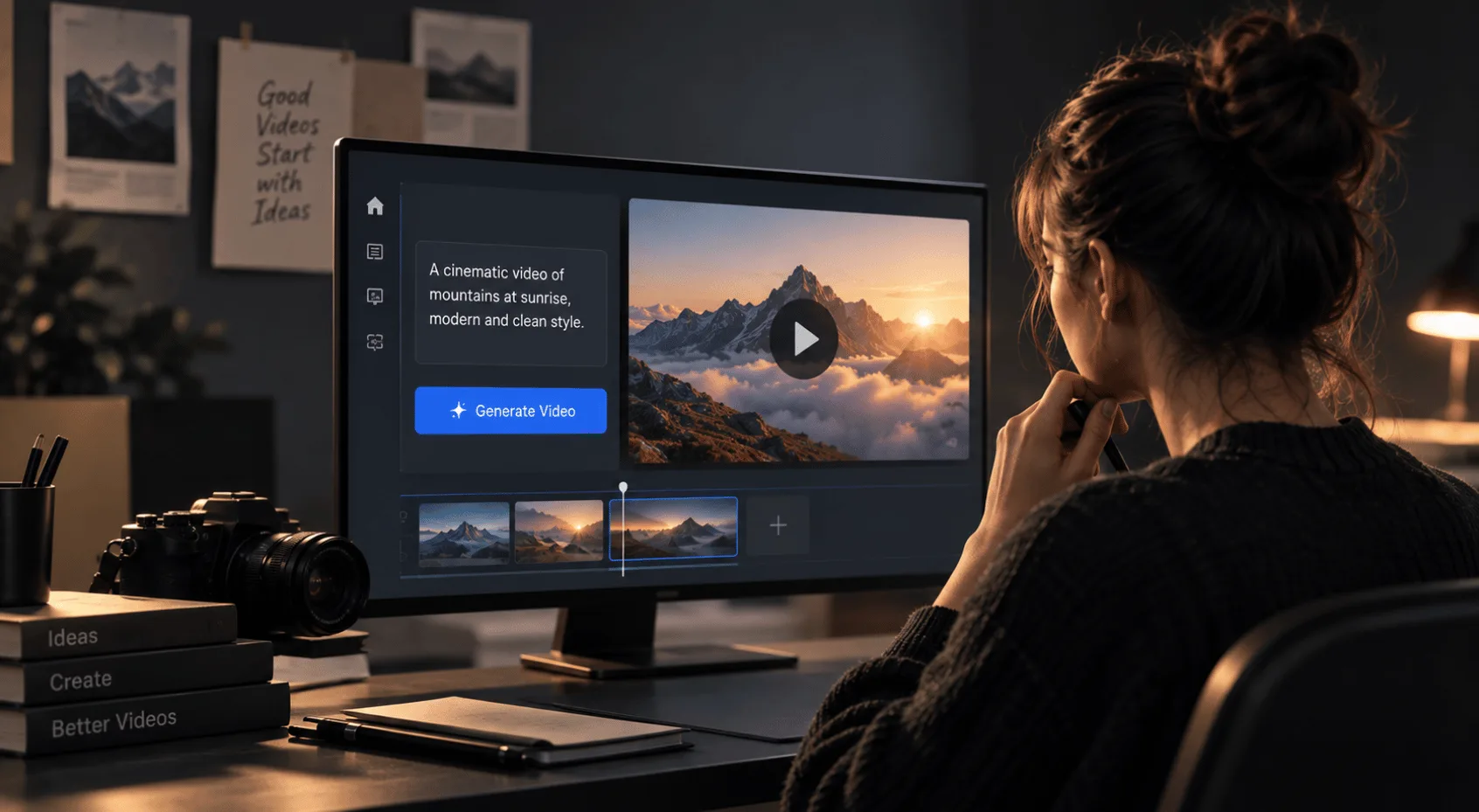
AI video generation is changing that equation. Describe what you want in a paragraph of text, and a model or an agent turns the description into moving pictures in minutes rather than weeks, taking the camera and the studio out of the process even when the editing still has to happen afterwards.
We get asked more often than not whether AI can replace that process outright. It cannot entirely. What follows explains what AI video generation, also known as text-to-video AI, involves, how it works, which tool fits which job, and the brief, edit, and export steps that turn a block of text into something ready to publish.
What is AI video generation?
AI video generation is the use of artificial intelligence to turn a written prompt, a script, or an existing recording into video, without a camera crew filming the scene first. It grew directly out of text-to-image diffusion models, once those techniques could handle motion and time across a sequence of frames rather than a single image, and the first genuinely usable tools reached the public around 2024. The term now covers three different kinds of tool, all loosely grouped under the same text-to-video AI label, and confusing them is the first place a project goes wrong. We sort every incoming brief into one of the three before opening anything, because the category decides most of what follows.
1. Avatar-based AI video generators
Some generators build a talking presenter from a script. Under the surface, a text-to-speech model turns your script into audio, and a separate lip-sync model animates a face or a digital avatar to match it frame by frame. Synthesia and HeyGen work this way from a script and a chosen presenter, while D-ID starts from a single photo instead and animates it into a talking avatar. This is the fastest route to a training video or a multilingual product update, and it is what most people picture when they hear the phrase AI video generator.
2. Generative AI video models
Other tools are generative video models in the stricter sense, the category built on names like Google's Veo, Runway's Gen-4 line, and Kling. Luma has moved its models under the Ray name, so what was once branded Dream Machine is now Luma's Ray. OpenAI's Sora sat in the same category, though OpenAI is retiring the product through 2026, a fact worth knowing before you build a workflow around it. You describe a scene in a paragraph and the model synthesises footage that never existed, a product spinning in soft light, a city street at dusk. Most of these run on diffusion architectures, starting from random noise and denoising it frame by frame into an image sequence that matches the prompt, with a separate consistency mechanism trying to hold the same object, face, or logo stable from one frame to the next. Consistency has genuinely improved in the newer models, but it is still uneven across the category, which is why these tools tend to be strongest on short, atmospheric clips rather than anything that needs the same character to hold up across several minutes.
3. Agentic AI video tools
A third category is agentic. Instead of returning a finished clip, the tool hands the work to a coding agent you already use, which researches the brief, drafts a script, and builds the video scene by scene inside an editable project, updating a live preview as it goes. CoAnimator works this way for a video built entirely from a description, and open-source projects such as video-use and OpenMontage apply the same coding-agent approach to editing footage you already shot or assembling a full production from a mix of stock and generated clips. Under the surface, the project is usually stored as plain files describing each scene, the timeline, and the assets involved, rather than as a single baked video, and most of these tools also ship a command-line renderer for headless exports from a script or a build pipeline. The output is closer to a small piece of software than a single generation, which means a changed product screenshot or a new price point becomes an edit to one scene rather than a reshoot.
None of these replace each other. A talking-head explainer, a mood piece for a landing page, and a demo that has to survive six months of product updates are three different problems, and the tool built for one will frustrate you on another.
AI video generation
Most disappointing AI video output traces back to a vague brief, not a weak model. "A video about our app" tells a generator nothing about who is watching, what they need to understand first, or what the video is for. Write it the way you would write a task for a colleague, because that is the test we hold ourselves to before a script ever gets near a generator. Who is this for, what should they believe by the last frame that they did not believe at the first, and what is the one thing the video cannot get wrong.
For a script-led generator, that task becomes the script itself, line by line, in the voice you want spoken. For a generative model, it becomes a description of the shot, including what should stay still, what should not appear, and how long the moment needs to last. Vague adjectives produce vague video. "Modern" could mean a stark grid, warm editorial photography, or a neon-lit interface, and a generator will pick one without telling you it guessed.
For a generative model specifically, the technical vocabulary in the prompt does real work, giving the model constraints to denoise toward rather than leaving composition to chance.
Shot type: A wide shot, a close-up, an overhead angle.
Camera movement: A slow push in, a static lock-off.
Lighting: Soft daylight, a single hard key light.
Negative prompt: A short list of what should not appear, blurred hands, extra limbs, text artefacts, filtering out some of the more common failure modes before you spend a render finding them yourself.
Decide the one sentence the video has to prove before you open any tool. Everything after that is implementation.
How to choose an AI video generator
Which tool is right depends on the job in front of you, and four cases come up often enough to name.
1. Presenter-led explainers
A product explainer with a narrator, a set of screenshots, and captions in a dozen languages is the job an avatar-led generator such as Synthesia or HeyGen is built for. You supply the script and the brand assets, and the tool handles delivery and lip sync at a speed no crew could match on the same budget.
2. Short social cuts
A blog post or a set of talking points that need to become a short social cut is closer to what tools such as OpusClip do well, pulling stock footage, captions, and pacing around text you already wrote rather than generating original scenes.
3. Product Demos and Motion Graphics
A demo that has to show your actual product, not a generic stand-in, is the clearest case for an agentic tool. CoAnimator, for instance, connects to a coding agent you already use, such as ClaudeCode or Codex, to build exactly that kind of demo. The payoff shows up over time rather than on the first render, a demo tied to a product that ships weekly stays current through small edits instead of a fresh shoot every sprint. We reach for this category ourselves whenever a client's product is shipping that fast.
4. Video at volume
If the job is not one video but thousands, a personalised report for every customer or a year-in-review for an entire customer base, the tool that fits is a programmatic video pipeline, not a generator. A designed template pulls from a spreadsheet or an API and renders each version on its own, at machine speed rather than model speed. Two different problems both get called AI video, and the wrong one gets solved more often than it should.
Picking one of these four before writing a single prompt saves more time than any setting inside the tool itself.
How to edit and review AI-generated videos
We treat an AI-generated clip the way we would treat footage from any other camera, a first draft, not a finished video, even when the render looks polished on the first pass. The craft that turns it into something professional is the same craft that has always separated a rough edit from a finished one.
Cut on what the shot is claiming, not on a fixed rhythm. Generators tend to hold a shot for the length they were asked to produce rather than the length the idea needs, so cutting on the change of intent still applies. Trim the moment the picture has said what it needs to say.
Mix the sound with the same care you would give a live recording. A synthetic voice that sounds clear in isolation can still disappear under a generated music bed, and sound is half the picture is a useful test to run before export, not after a complaint.
Do not let the opening default to whatever the model produced first. A generic establishing shot or a stock-sounding line is an easy default for a tool with no stake in your brief, and giving the opening a clear purpose is a deliberate decision, not something to leave to whichever take rendered first.
Check captions and on-screen text at the size people will watch it, on a phone at arm's length rather than a full-size editor preview, since legibility has to survive compression once a platform re-encodes the file.
The review discipline is the same one worth applying to any AI generated deliverable before it ships, whether the output is an interface or a scene. Decide what the artifact has established, then check the states a single successful demo tends to hide.
AI video export settings: resolution, aspect Ratio, and codec
A video that looks sharp in the tool's own preview window can arrive soft, cropped, or oversized once it reaches its actual destination.
Frame and aspect ratio
Work out the frame for each format before generating anything platform specific, square for a feed post, vertical for a story, widescreen for a website hero, using the Aspect Ratio & Frame to get the dimensions right rather than cropping after the fact and losing whatever the model put near the edges.
Resolution and codec
Resolution and frame rate matter as much as the frame itself. Native output varies by tool, some still default to 1080p, and several of the newer flagship models now generate natively at 4K, so check what the model produced before you build an upscale step into the workflow that may not be doing anything. Frame rate is usually fixed at 24 or 30 frames per second by the model rather than something you choose after the fact. H.264 export gives the broadest compatibility across platforms and older devices, H.265 gets you a smaller file at the same visible quality when the destination supports it.
File size and bitrate
Check the file itself. A four-minute product demo exported at a bitrate meant for a fifteen-second clip either looks compressed or turns into a file nobody wants to download, so run the numbers through Bitrate & File Size before you settle on an export setting, and confirm the result on the actual upload once the platform has re-encoded it. We have watched a title that read perfectly in the editor turn to noise the moment a platform re-encoded it, which is why both get checked before we call anything final.
Get the frame, the resolution, and the file size right before the export finishes, and there is nothing left to catch once the video is live.
Where AI video generation works and where it falls short
A fair read on the technology covers three things, where it holds up well, where it falls short, and what that means for how you label the result.
Faster visual exploration
Early exploration is where the payoff is fastest, three different visual directions costing an afternoon instead of a week. The same logic applies to high-volume, lower-stakes content, an internal update, a first-language explainer that gets translated a dozen times, a background loop nobody scrutinises closely. It also collapses timelines for straightforward talking-head content where the message is simple and the audience already trusts the brand.
Where AI video generation still needs human review
It is weaker at anything that depends on judgement the model cannot see. It does not know your product roadmap changed last week, it does not know which claim your legal team flagged last quarter, and it has no stake in whether a joke lands for your specific audience. It also will not tell you when a shot looks convincing and is quietly wrong, a hand with the wrong number of fingers, a logo that drifts between frames, a statistic delivered with total confidence and no source. We have caught enough of these late to check every shot before anything ships rather than after.
AI video disclosure and transparency
There is a disclosure question worth settling before a video goes out under your name. We name the generative tools we use rather than hide them, and we think that is a reasonable baseline for anyone publishing AI-assisted video. Being clear about what a machine built and what a person reviewed costs nothing. It also protects something no generator can manufacture on its own, the trust an audience places in the person who published the video.
Lean on generation where it is strong, add judgement where it is not, and disclose the mix. Get that balance right and the result reads as considered rather than automated.
When to choose AI video or professional production
There is a point past which no amount of iterating on a prompt gets you a video that changes someone's mind, a launch film that has to carry a genuine argument for a skeptical buyer, or a brand piece that needs a motion language your team can reuse for the next two years rather than one clip. That is design and editing work, script, direction, sound, and a point of view about what the audience needs to understand and in what order, and it sits closer to motion and video production than to a generation tool, however good the tool gets. We will tell you plainly when a prompt would do the job better than we would, the same way we would point you to a different service if that fit your brief better.
The two are not competitors. A generated draft can still be the fastest way to test whether an argument works before committing a production budget to it, and a studio can still use generative tools for exploration or for individual elements inside a larger production, disclosed the same way anything else in the delivery would be.
Questions
6What is AI video generation, in plain terms?
AI video generation covers any tool that turns text into video rather than filmed footage, whether that means an avatar reading a script, a model generating a new scene, or an agent assembling a project scene by scene.
How does text-to-video AI work?
It depends on the category. Avatar tools pair text-to-speech with lip-sync. Generative models denoise random noise into frames that match the prompt. Agentic tools skip generation altogether and have a coding agent build the video from real assets. All three fall under the text-to-video AI umbrella.
How long does a professional AI-assisted video take to finish?
Generation takes minutes. Publishing takes longer, a brief, a round of regenerating weak shots, a sound pass, an export check. A simple piece might still be an afternoon, anything carrying a real argument needs closer to a small edit's timeline.
Do I need to say a video was made with AI?
Requirements are tightening. The EU's AI Act now requires disclosure of AI-generated video that could pass as real, under Article 50's transparency obligations, effective August 2026. Even without a legal requirement, naming the tool and the reviewer protects trust, especially when a viewer would otherwise assume the footage is real. We would rather over-disclose.
Which aspect ratio should I export for?
Match the platform, 1:1 or 9:16 for a feed or a story, 16:9 for a website or a presentation. Decide before generating, since cropping afterwards loses whatever sat near the edge of the frame.
Can AI-generated video replace a full production shoot?
For some jobs, yes, a talking-head explainer or a test draft rarely needs a crew. For a video that carries a brand's reputation or has to persuade a skeptical audience, generation removes the camera, not the judgement, and judgement is still what a studio gets paid to provide.
Conclusion
Generation quality will keep closing the gap with footage a camera could produce, and the tells that give an AI clip away today, a flickering hand, a drifting logo, a beat of dead air, will keep getting rarer. A video that stays editable when something about it has to change is worth more than one that renders a little cleaner today, because the first gets maintained and the second gets regenerated from scratch. Favour a workflow that hands you a project rather than a single locked file, and the tool you pick today is still the right one in a year.
If the video has to make an argument rather than fill a slot, that is worth a proper brief rather than another round of prompts, and we will say plainly if a generator is the better fit for it.