Best Motion Graphics Software for Designers and Creative Teams (2026)
Compare 9 motion graphics tools on license terms, export formats, and hardware, from After Effects to free options like DaVinci Resolve, CoAnimator and Autograph.
Good motion graphics make a launch video, an explainer or a product screen feel finished. Then the software gets in the way. The free export carries a watermark, marketing wants a vertical cut, the developer asks for a file format the tool cannot produce, and the licence that covered one designer now has to cover five.
Which tool fits depends on which of those problems is yours. For some teams the answer is a free tool with no watermark. For others it is animation inside the design file they already use, one template that produces dozens of versions from a spreadsheet, or an AI agent that builds the scenes from a brief. Each of these exists, and each has a catch that rarely shows on the pricing page.
We compared nine tools on what you can export, who can use them for client work and what they need to run. Each entry gives three strengths, two weaknesses, the price and who it suits.
What motion graphics software does
Motion graphics software animates designed elements, such as type, logos, shapes, charts and interface components, over time. Which outputs you make most often shapes which tool fits.
How it differs from video editing and 3D animation
Video editing arranges footage that has already been shot. DaVinci Resolve is the clearest overlap here, with editing and colour pages beside its Fusion page for motion graphics.
3D animation builds scenes from modelled objects, cameras and lights. Cinema 4D and Blender work this way, and designers use them to extrude, clone and light type in three dimensions.
What it typically produces
Logo stings and intros that open or close a video
Explainers and product walkthroughs animated to a script or voiceover
Social cutdowns reformatted for several aspect ratios
Interface animation delivered as Lottie files or code
Data-driven batches from one template and a spreadsheet
How we picked these tools
We read each vendor's documentation and pricing page, then checked the limits against dated trade coverage and latest reviews. Six questions shaped the comparison.
Method: Do you build with layers, nodes, a canvas, rules or an AI agent, and how fast can a new teammate finish a piece?
Output: Which formats, resolution and frame rate, aspect ratio and file size can you get?
Revision effort: Is a changed script, logo or figure one edit or a rebuild?
Licence: Is the free tier cleared for client and team work, and is the paid plan per seat or one-time?
Platform: Browser or desktop, what hardware, and does it work offline?
AI and automation: Can an assistant, command line or script drive it?
We started with the most popular tools and added newer ones that take different routes. Maya and Houdini are out because they suit pipeline teams, and Apple Motion gets a short note at the end because it is Mac-only.
The 9 best motion graphics tools
Each entry covers what the tool is, where it stands out and falls short, what it costs and who it suits. Prices are as of November 2026. Where a vendor loads prices dynamically or sources disagree, the entry says so.
1. Adobe After Effects
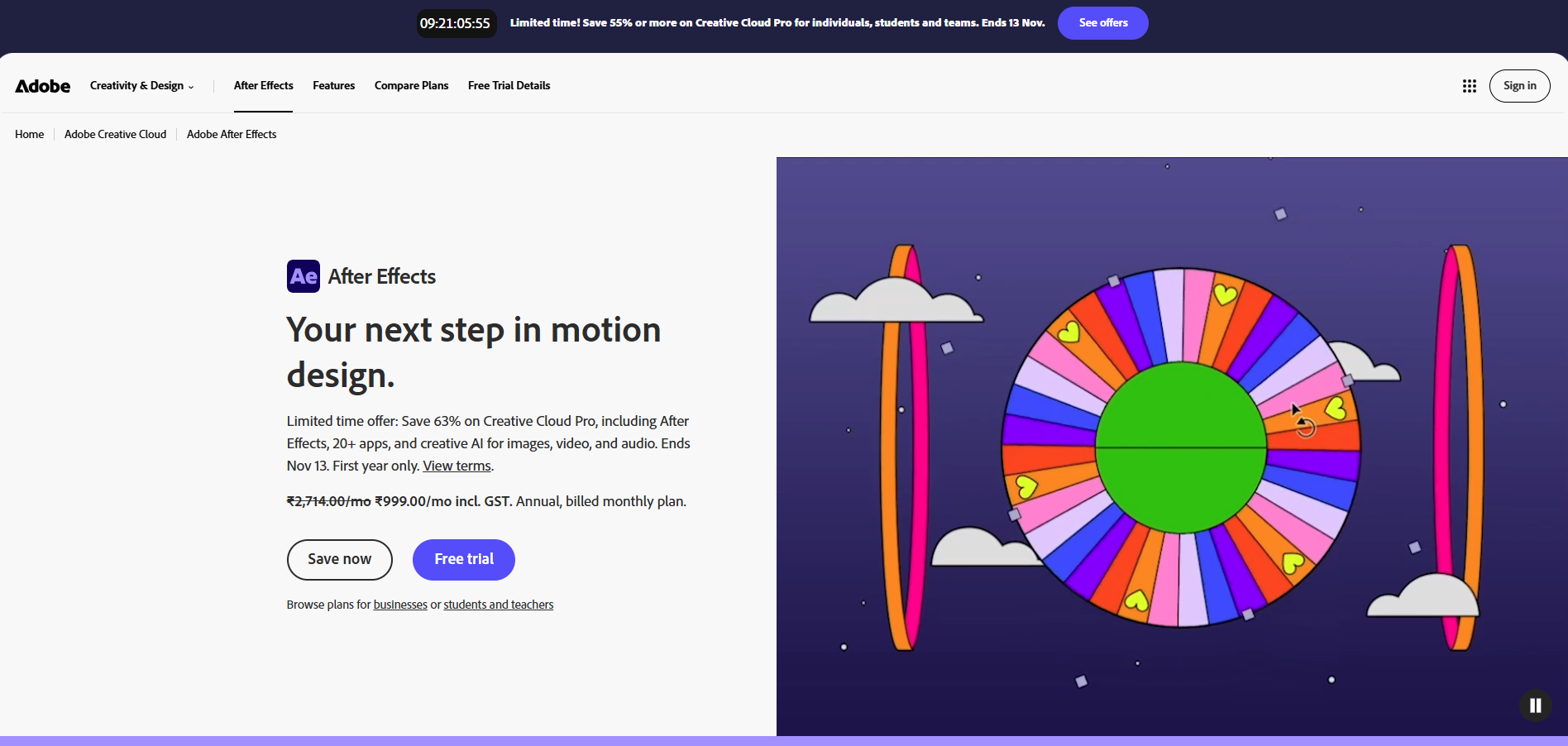
Adobe After Effects is the layer-and-keyframe compositor in Creative Cloud, built for motion graphics and visual effects. You stack layers on a timeline and animate each one's position, scale, opacity and other properties with keyframes. Most roundups treat it as the default for titles, logos and compositing.
Where it stands out
Depth in 2D and 3D: Native 3D shapes come with over 1,300 free textures, and the Puppet tool and Graph Editor handle character-style and eased motion.
Automation and extensions: Expressions can connect animations to external data sources, and plug-ins come from more than 400 partners.
Quick subject isolation: AI Object Matte picks out a moving object across frames from a single click.
Where it falls short
No one-time purchase: Adobe sells it only as a monthly or annual subscription.
A steeper start: Software Advice reviewers score ease of use 3.86 out of 5 against 4.74 for functionality, and slow rendering is a common complaint.
Pricing
Single app: $22.99 per month
Creative Cloud Pro: $69.99 per month,
After Effects for teams: $37.99 per licence per month
Free trial: 7 days for individuals, 14 days for teams
Best for
Studios and designers whose pipeline already runs on Adobe apps.
Watch After Effects 2026: What's New, by Premiere Gal
2. DaVinci Resolve (Fusion)
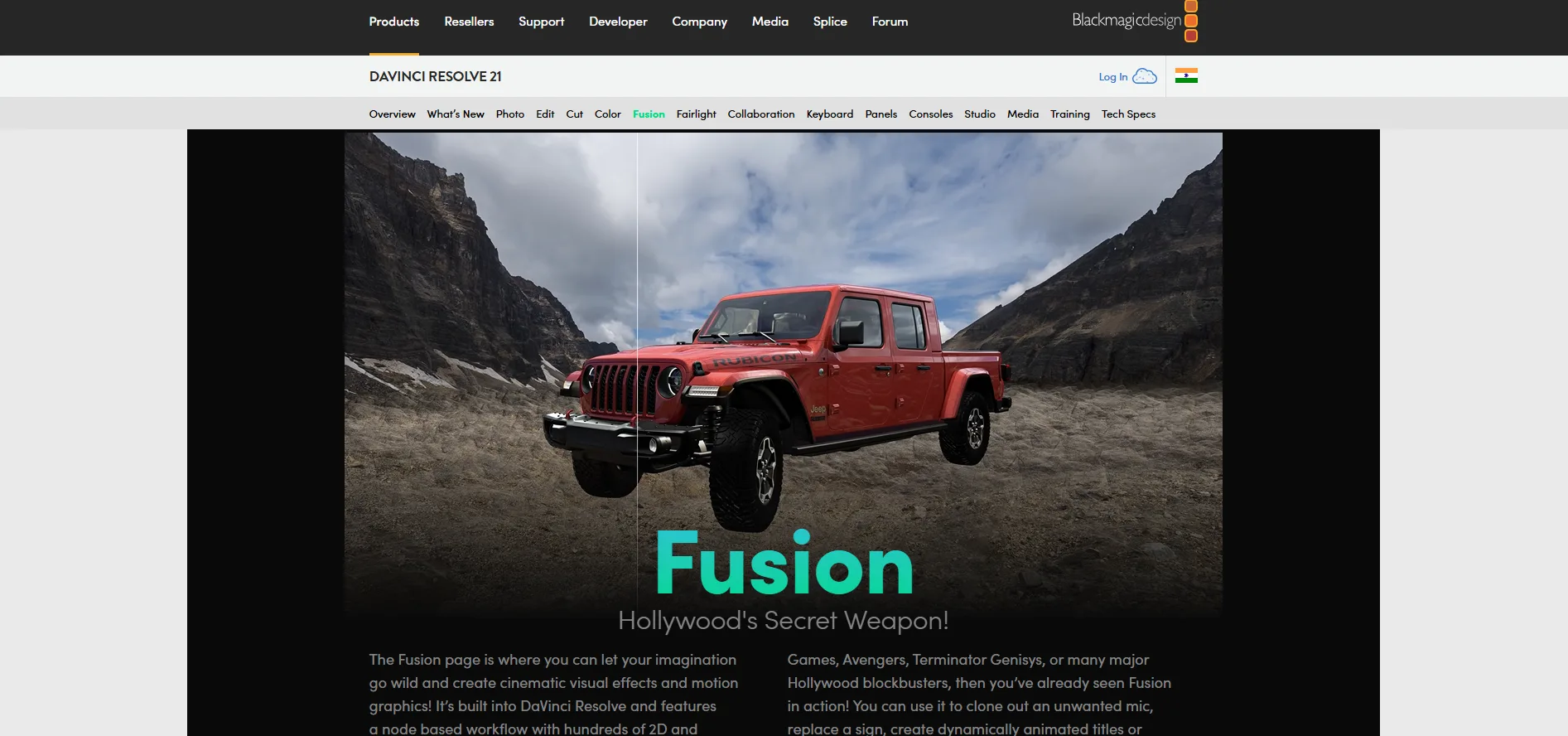
DaVinci Resolve is Blackmagic Design's video suite for editing, colour grading, audio and visual effects. Its Fusion page is a node-based compositor with 2D and 3D tools, used for motion graphics and VFX. Resolve comes in a free edition and a paid Studio edition, and version 21.1 was released in September 2026.
Where it stands out
Motion graphics inside a full video suite: Fusion sits next to the edit, colour and audio pages, so a title or lower third does not leave the project.
A free edition with no watermark: The free version has no watermark and no time limit.
No subscription: Studio is a one-time purchase, and Resolve runs on Windows, macOS and Linux, where Rocky Linux 8.6 is the listed distribution.
Where it falls short
Node-based compositing: Fusion asks you to think in node graphs rather than layers, which takes time if you come from After Effects.
Free has ceilings: The free edition covers up to UHD (3840x2160) at 60fps. Studio adds AI tools such as Magic Mask and higher resolutions, according to DaVinci Resolve Club.
Pricing
Free edition: $0
Studio: $295 one-time at list price, with occasional sales.
Best for
Editors and colourists who want motion graphics in the same app as the edit, without a subscription.
Watch Fusion motion graphics basics, from PeeJ ENT's Mograph Monday series
3. Autograph
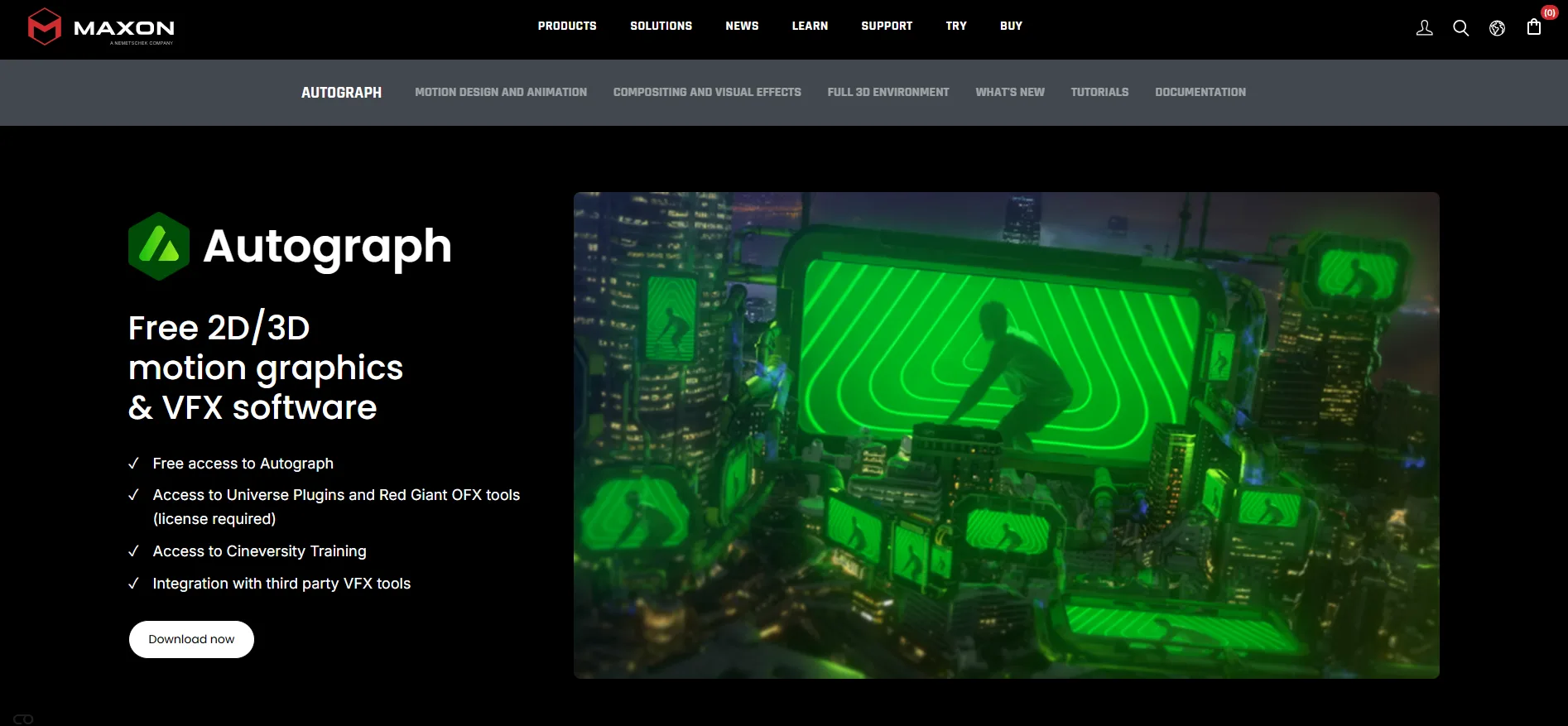
Autograph is Maxon's motion graphics, VFX and compositing application, combining 2D animation, compositing and a 3D environment in one workspace. It was previously developed by Left Angle, and Maxon relaunched it free to individual artists in April 2026. It now sits alongside Cinema 4D in Maxon's line-up and is also bundled in the Maxon One subscription.
Where it stands out
2D and 3D on one timeline: The 3D side is built on Pixar's OpenUSD and renders through Filament, a real-time physically based renderer.
One composition, several formats: Maxon says you can build a project once and render it in multiple formats and connect external data to automate changing content.
Assistant control: Version 2027.0 adds a built-in MCP so assistants such as Claude and ChatGPT can operate its tools, and the command line and Python are included in the free licence.
Where it falls short
A relaunch with gaps: Maxon says certain features of the earlier Autograph are unavailable for the time being, so check the ones you rely on.
No Linux edition: Autograph runs on Windows and macOS only.
Pricing
Autograph: Free for individuals and teams. Maxon's May announcement allows commercial use with no output limits or time restrictions. Autograph is also included in the Maxon One subscription.
Best for
Teams that want 2D motion, compositing and some 3D in one free app.
Watch Introduction to Maxon Autograph, on YouTube, or the Getting Started series on Cineversity
4. Jitter
Jitter is a browser-based motion design tool, so there is nothing to download or install. You build and animate designs on a canvas, and it imports frames from Figma. More than 300 templates give a team a layout to start from, and its help centre says the free plan includes every core animation feature.
Where it stands out
A path from design to motion: A Figma plugin and import move designs in, and Max adds Brand Kits for consistent team styles.
Collaboration on every plan: Shared workspaces, real-time collaboration and comments are included on the free plan, and the paid plans add admin tools.
AI where it helps: AI Brainstorm is on the free plan, Image to Video starts at Pro, and a beta MCP connector lets an assistant create and edit files.
Where it falls short
Output quality is tied to the plan: The free plan exports at 720p and 30fps with the Jitter watermark. 1080p at 60fps needs Pro and 4K at 120fps needs Max.
Still filling out: Max lists team libraries as coming soon, and the MCP connector cannot export yet.
Pricing
Free: $0, with three workspace files
Pro: $15 per editor/month
Max: $35 per editor/month
Ultra: $59 per editor/month
Best for
Designers who work in Figma and need fast product or social motion in a browser.
Watch Jitter's YouTube channel, with step-by-step beginner walkthroughs
5. Figma Motion
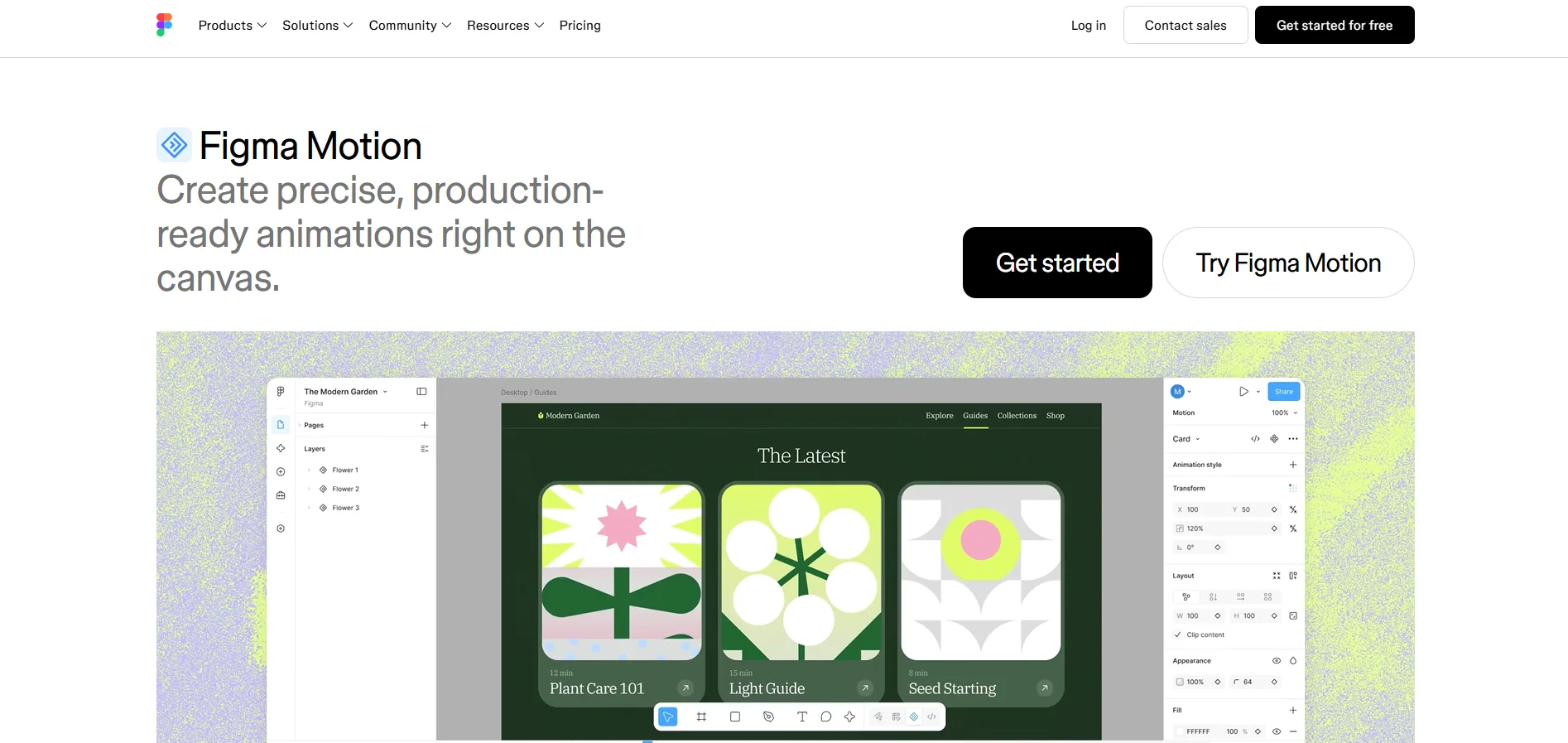
Figma Motion starts from your design file. It is the animation mode inside Figma Design, with a timeline, keyframes and presets for animating the layers already in the file, and Figma began rolling it out in open beta on 24 June 2026.
Where it stands out
Consistency across files: Motion variables and animated components let a team define motion once and reuse it everywhere.
Review and handoff in the file: Time-based comments let anyone point to a moment in an animation, and Dev Mode gives developers a read-only timeline with CSS, JSON or React code.
First drafts from an agent: The Figma agent can add keyframes from a description.
Where it falls short
Still in beta: Some features are in beta or coming soon, and Lottie is only a future export format.
Paid seats for the strongest features: Animated components, agent generation and high-resolution video exports need a paid Full seat.
Pricing
Starter: Free, with Motion in open beta and limited exports
Professional Full seat: $16 per month
Organization Full seat: $55 per month
Enterprise Full seat: $90 per month
Best for
Product and brand designers who want to animate inside the Figma file they already use.
Watch Figma Motion tutorial
6. Cavalry
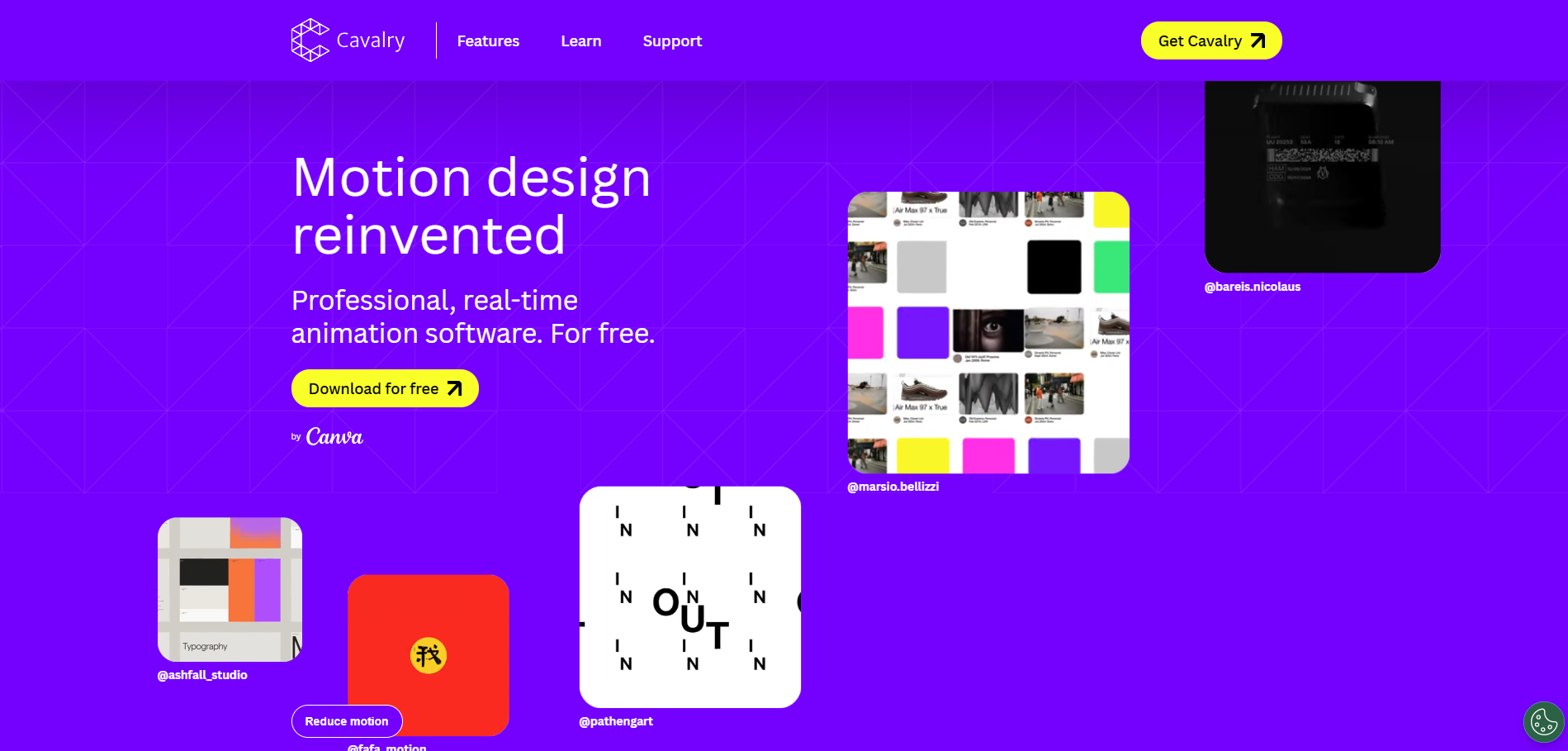
Cavalry is a 2D animation app built around procedural rigs and a real-time viewport. Its data import connects a spreadsheet to an animation, so one template can drive many near-identical pieces, such as a campaign with many slight variations. Canva acquired the app in February 2026, and on 16 April Canva made it free to individual artists, including for commercial projects.
Where it stands out
One value, whole systems: Cavalry's site says you adjust a single value and entire systems respond, which suits batches driven from a spreadsheet.
Specialised tools: Duplicator, Text Animation, Falloffs, Quad Tree, Rig control and Magic Easing are among its listed features.
Learning material: Cavalry hosts official video series and downloadable example files, and its FAQ says the free licence includes procedural rigs and data-driven sequences.
Where it falls short
2D only, with no AI route listed: There is no 3D scene to build in, and the pages we read mention no assistant integration.
Team terms: The free licence is for individual artists, and CG Channel reports that studios need a paid Canva account. Every user also signs in with a Canva account.
Pricing
Individuals: Free
Students and schools: Free through Canva Education
Studios: A paid Canva account is required, per CG Channel
Best for
Motion designers who build rule-based or data-driven 2D animation.
Watch How to create your first scene in Cavalry, on Canva Design School
7. CoAnimator
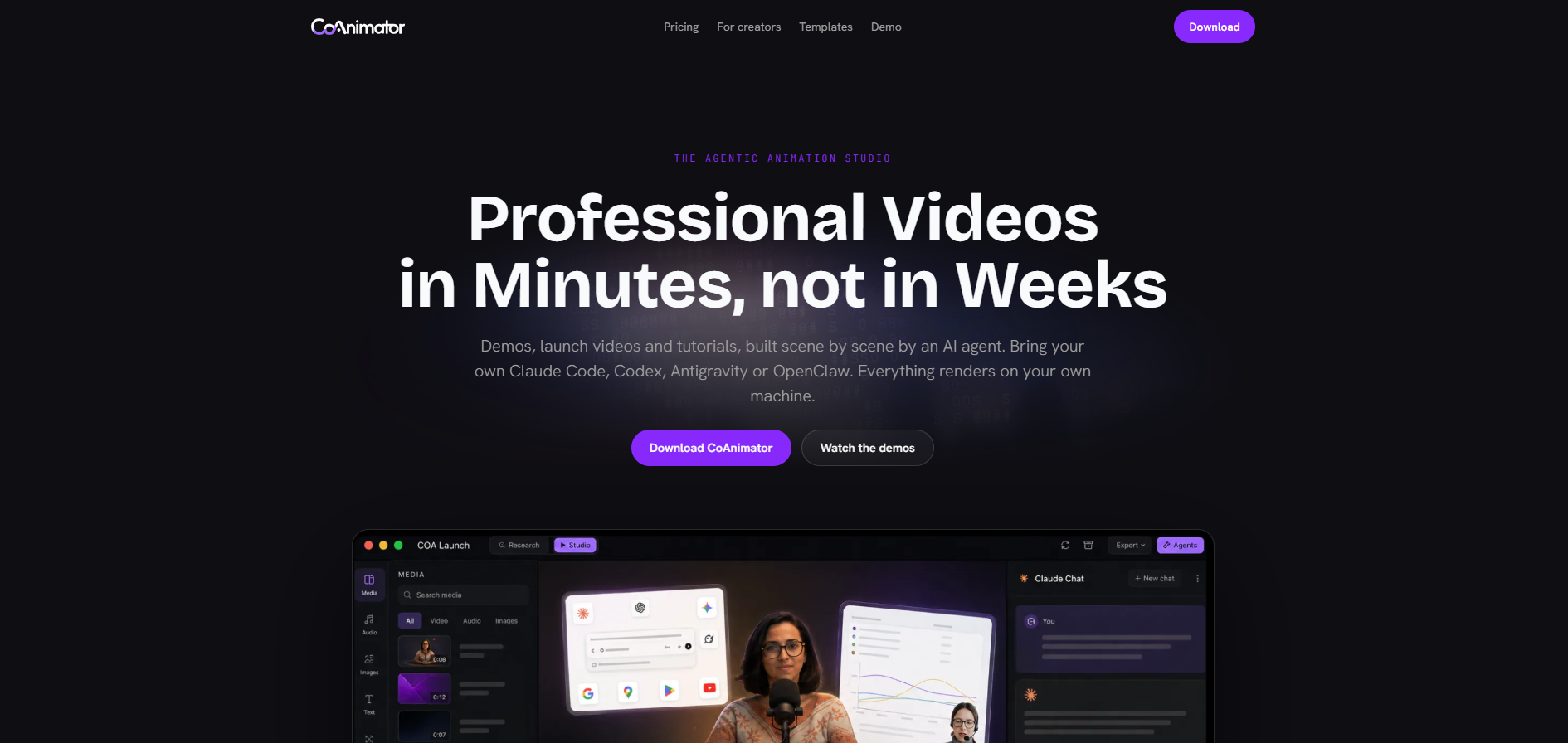
CoAnimator is a desktop animation studio where an AI agent builds animated scenes from a brief while you direct from a timeline and a live stage. The agent can be Claude Code, Codex, Antigravity, OpenClaw or another that works through the shell. Scenes are written as editable project files that can be reused with a new script instead of being rebuilt.
Where it stands out
Works With Multiple AI Agents: Connects with Claude Code, Codex, Gemini, OpenClaw, and custom AI agents to create and edit videos through natural language.
Templates and plugins: Templates ship with a sample project and an agent skill, and plugins add voice, music, screen capture, publishing to YouTube and social, and research via MCP360.
Local Rendering and Flexible Automation: Supports unlimited local rendering, offline workflows, Coa CLI automation, and cross-platform compatibility with macOS, Windows, and Linux.
Where it falls short
Best results depend on the AI agent you connect: Output quality can vary based on the agent, prompt quality, and how much direction you provide.
Further workflow customization: May require plugins or external tools depending on what you want to add to the final video.
Pricing
Free: $0, Lifetime free at 720p with a watermark.
Best for
Product, launch and explainer videos rebuilt whenever a script or interface changes.
Watch CoAnimator's YouTube channel
8. Cinema 4D
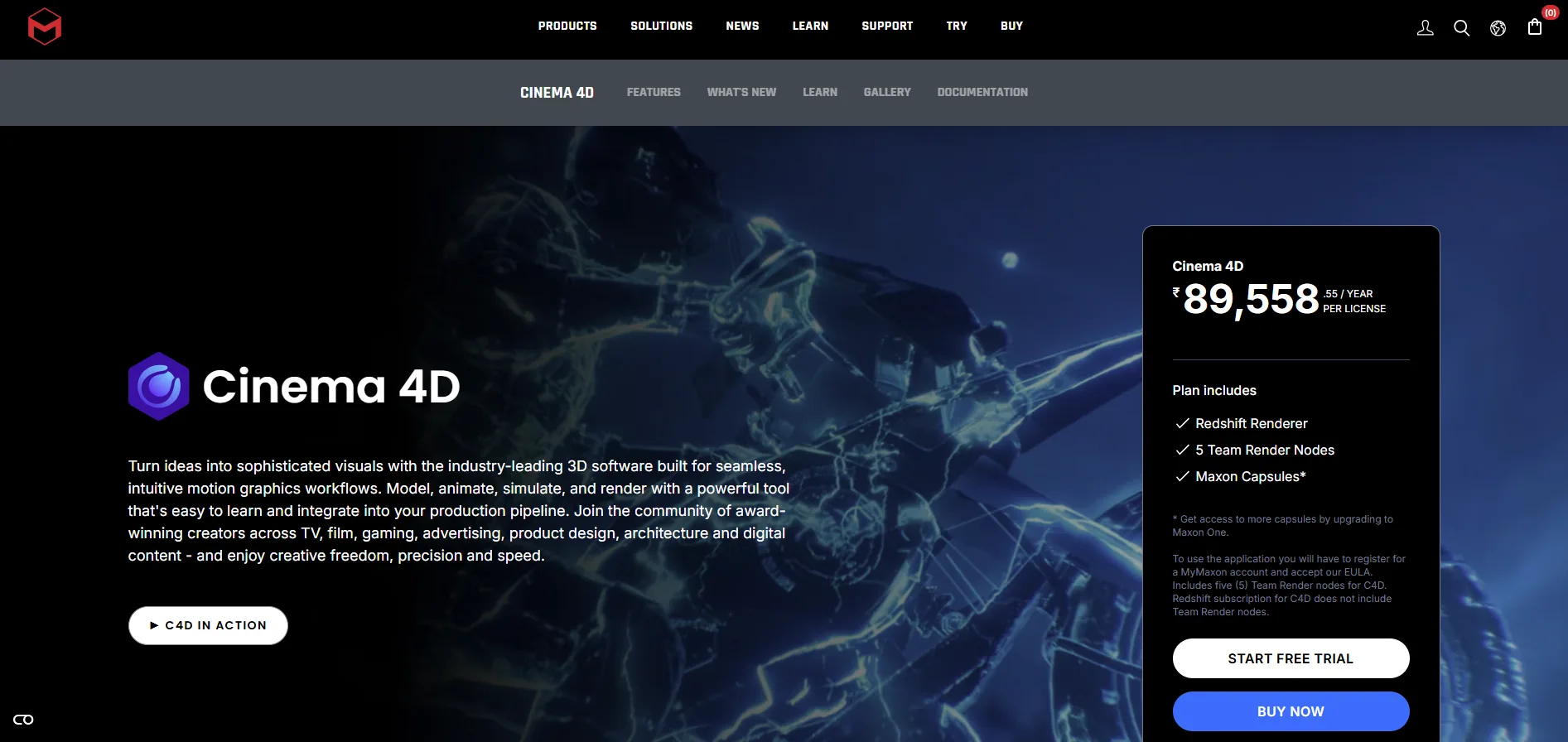
Cinema 4D is Maxon's 3D animation, modelling and motion graphics application, and its MoGraph toolset is built for procedural motion work. Maxon positions it for motion graphics, VFX and visualisation. Version 2027.0 shipped in October 2026.
Where it stands out
Procedural by design: MoGraph shapes clones with fields and effectors, and version 2027.0 adds a Scatter System and Liquid FX.
Rendering and handoff: Redshift GPU rendering comes with every subscription, and Cineware shows live Cinema 4D scenes inside After Effects.
Assistant access: Maxon says you can enable MCP in Cinema 4D so an assistant can use it alongside Autograph, and 2027.0 can paste data into Autograph.
Where it falls short
Rental only: There is no perpetual option, and over a year the list price is about three times After Effects' single-app plan, $839 against $276.
AI pricing is open: CG Channel reported that Maxon's generative AI tools may have their own pricing, so budget for extras.
Pricing
Cinema 4D: $109 per month or $839 per year, including Redshift GPU, per CG Channel and Shade's Cinema 4D guide
Free trial: 14 days, through Maxon One
Maxon's own page loads prices dynamically, so confirm them there.
Best for
Motion designers adding 3D to broadcast, advertising and product work.
Watch Maxon's YouTube channel, for Cinema 4D release and tutorial videos
9. Blender
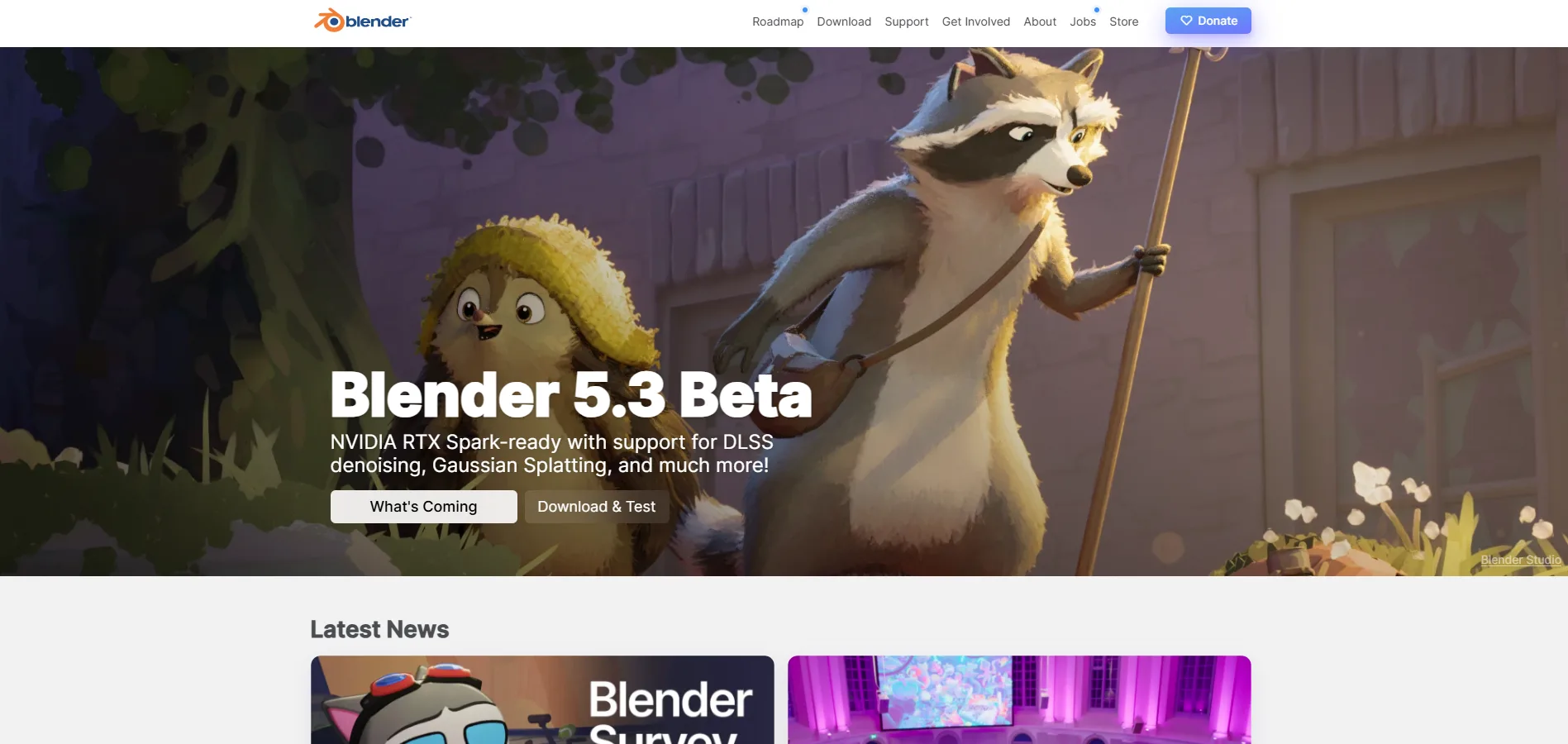
Blender is a free and open source 3D creation suite covering visualisation, animation, VFX and video editing. For motion work the draw is Geometry Nodes, its node-based procedural system. The current release is Blender 5.2 LTS, from 14 July 2026.
Where it stands out
Motion-friendly node: Blender 5.0 added a Geometry Nodes Array modifier suited to layout and motion graphics, and 5.2 added audio sampling to Geometry Nodes.
Compositing in the editor: Version 5.2 brings compositor effects into the Video Sequence Editor with GPU acceleration, so rendering and editing can stay in one app.
Long-term support releases: LTS versions are maintained for two years, so Blender 5.2 LTS is supported until July 2028.
Where it falls short
A steep learning curve: Reviewers on G2 often cite the complex interface and the number of tools, which is a lot of software to learn for flat type and logos.
No built-in Lottie export: Lottie delivery relies on third-party add-ons, such as one on the Blender Extensions platform that exports Grease Pencil animation.
Pricing
Blender: Free, with no paid tiers and no seat licensing, under the GPLv3 licence
Best for
Teams that want 3D motion at no licence cost and have time to learn a large application.
Watch Blender 5.2 LTS showreel
Also worth a look: Apple Motion: It is Mac-only. According to AppleInsider, Motion costs $49.99 as a one-time purchase on the Mac App Store, and it is also included in the $12.99 per month Apple Creator Studio subscription. It suits Final Cut Pro users who want titles and effects in the same ecosystem.
Motion graphics software comparison
Tool | Approach | Platforms | Free route | Paid from | 3D | AI features and assistant access |
|---|---|---|---|---|---|---|
After Effects | Layers and keyframes | Windows, macOS | 7-day trial | $22.99 per month | Native 3D shapes and layers | Generative credits |
DaVinci Resolve | Node compositor inside a video suite | Windows, macOS, Linux | Free edition, no watermark | $295 one-time (Studio) | Yes, in Fusion | AI tools in Studio |
Autograph | Compositor with 2D and 3D | Windows, macOS (no Linux edition for now) | Free, commercial use included | None (also in the Maxon One subscription) | Yes | Built-in MCP |
Jitter | Design canvas with Figma import | Browser | Free plan | Pro, billed per editor | Not listed | MCP connector (beta) |
Figma Motion | Timeline in the design file | Inside Figma | Open beta on all plans | $16 per Full seat per month | Not listed | Figma agent (beta) |
Cavalry | Procedural 2D | macOS, Windows | Free for individuals, including commercial work | A paid Canva account (studios) | No, 2D only | None listed |
CoAnimator | Agent-built scenes | macOS (Apple Silicon), Windows, Linux | Free tier, 720p with watermark | $299 one-time | Low-poly WebGL | Bring your own agent |
Cinema 4D | 3D scenes with MoGraph | Windows, macOS | 14-day trial | $109 per month | Yes | MCP can be enabled |
Blender | 3D scene with Geometry Nodes | Windows, macOS (Apple Silicon), Linux | Free and open source | None | Yes | None listed |
How to choose motion graphics software
Four decisions narrow the table.
Match the method to your team
Some tools animate layers on a timeline, some wire nodes together, some animate designs on a canvas, one runs on rules and spreadsheets, two work in 3D, and one takes a brief and builds the scenes with an AI agent. Start with the method your team already thinks in.
Decide where the file ends up
A client video, a Lottie file inside an app and a timeline a developer reads are different destinations. If the animation ships inside an interface, plan a version for people who ask for less movement.
Read the licence before the feature list
Free means different things across these tools. It can mean free for everyone, free for individuals, or free with a cap on what you can export. The difference stays invisible until a second person joins the project.
Write down what each movement says
A tool will animate anything. The principle of using motion to explain change offers a quick test: each movement should tell the viewer what changed.
Questions
5What is the best motion graphics software for product demos?
CoAnimator is a strong choice for product demos and launch videos. You describe the video to an AI assistant, which builds it inside CoAnimator from ready-made templates, with add-ons for voiceover, music and publishing. Figma Motion or Jitter may suit app screens already designed in Figma, and Adobe After Effects is stronger for film titles and heavy visual effects.
Is there free motion graphics software like After Effects?
Yes. As of November 2026, Autograph, Blender and the free edition of DaVinci Resolve cost nothing, and Autograph is cleared for commercial use by teams. CoAnimator is free forever, with a one-time lifetime licence for client work.
Can AI create motion graphics from a text description?
Yes, partly. CoAnimator works with AI assistants such as Claude Code, Codex, Gemini or OpenClaw: you describe the video, and the assistant researches your product, writes the script and builds the scenes while you steer it live. Results depend on the assistant and how clearly you direct it.
How do I update a motion graphics video without starting over?
Save the video as an editable project, then change only the part that is out of date. In CoAnimator, you edit the one scene that changed and render again, while Cavalry can fill one template from a spreadsheet.
Which motion graphics software is easiest for beginners?
Jitter and Figma Motion are the easiest starting points for beginners. Both animate designs you already have, in a web browser or inside Figma. Adobe After Effects is harder: Software Advice reviewers score its ease of use 3.86 out of 5, against 4.74 for how much it can do.
Conclusion
Several tools in this guide now let an AI assistant do part of the work, including Autograph, Cinema 4D, Jitter, Figma Motion and CoAnimator. As that spreads, the written brief matters more than the clicking.
Write a one-page motion standard now: how long movements last, how they speed up and slow down, what each one tells the viewer, and a calmer version for people who ask for less movement. An assistant can follow it, and any new tool can be judged against it.
Test it this month. Build one real piece, such as the animated logo, in two different tools, then give the standard to an assistant-driven tool and see how much of your style carries over. Keep the tool your second teammate can open without help.
Tools come and go. A clear brief carries over to the next one.
For a launch film rather than a tool trial, our motion and video service covers that work.